 Peel Studio

MMika9:41
 😍K
🔥A
😂J
+
😍K
🔥A
😂J
+
K
Kei2 minWhere did you find this one
A
Ana1 minShimokita flea market, obviously
🔥Seen by Kei, Ana and Jun
Say something…
Stickers / Friends / Your wall
Make. Peel. Send. Talk.
Point the camera at anything and it becomes a sticker. Peel it off, send it to a friend or a space you share, and talk on it with emoji and comments. Free, and your photos stay on your phone.
Drag a corner to peel it
A sticker goes to one friend, like a message, or to a space you share with a group. What your friends send you waits in a pile on the Social tab, and the only way to see the next one is to peel the one on top.
Tap a friend's face and you are in your chat with them: just the stickers you two have sent each other.
One for the family, one for the trip. Everyone in a space sees what the others add, day by day, on a calendar.
Everything you have not peeled yet, from every friend and every space, in one stack. Peel it and it counts as seen.
To one friend, to a few, or to a space. Right from the camera, or from any sticker you already have.
An eight-letter friend code, a QR code to scan, or an invitation link.
A notification with the sticker in it, and a tap opens it right where it is.
A sticker someone sent you is a post. Put an emoji on it, leave a comment under it, and see who has seen it. Every sticker has its own little thread.
One emoji each. They float around the sticker, with the face of whoever left it.
Under every sticker, oldest first. Hold one of yours to take it back.
The names of everyone who has peeled it, at the foot of the thread.
Save a friend's sticker to your photos, or add it to your own stickers and send it on.
Nothing goes on your wall unless you put it there. Pick the stickers you want the world to see, and the badges you have earned sit above them. From a chat with a friend, one tap opens theirs.
From any sticker, or many at once from the dotted circle at the top of your wall.
First Peel, Night Owl, Globetrotter, Squad, Cut-out Pro and five more. Earned stays earned.
Open it from your chat with them. Save a sticker you like, or add it to your own.
Hold a sticker on your wall and it comes off. Your wall, your call.
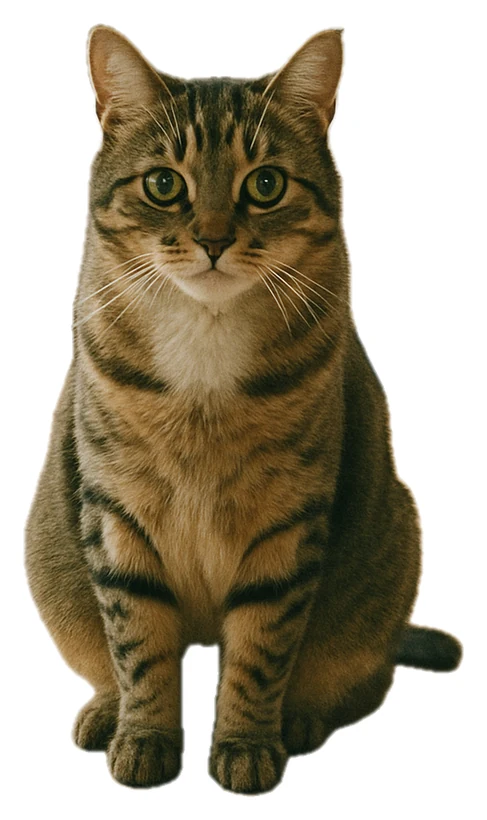
Point the camera at something, or pick a photo you already have. Peel finds the subject and cuts it out. Peel it off its backing and it is yours.
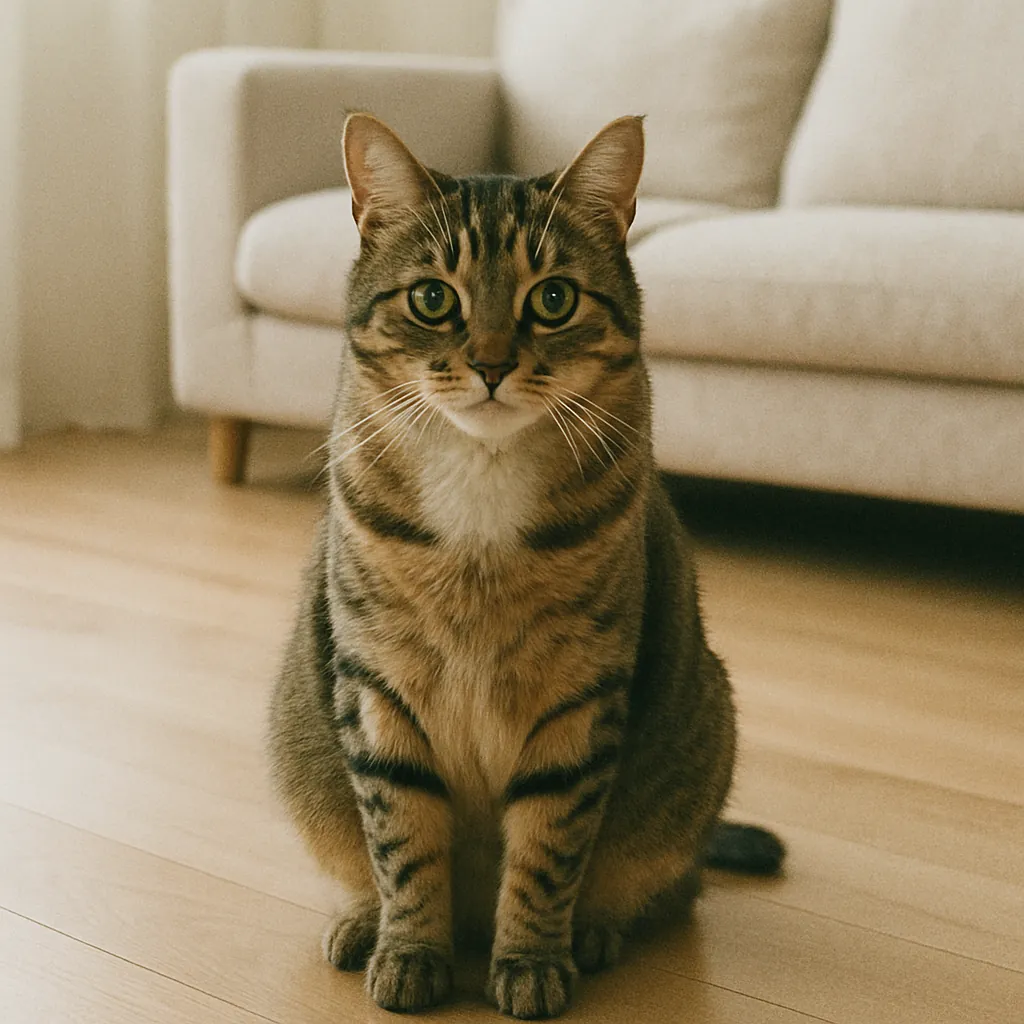
Snap or pickThe camera, or any photo.
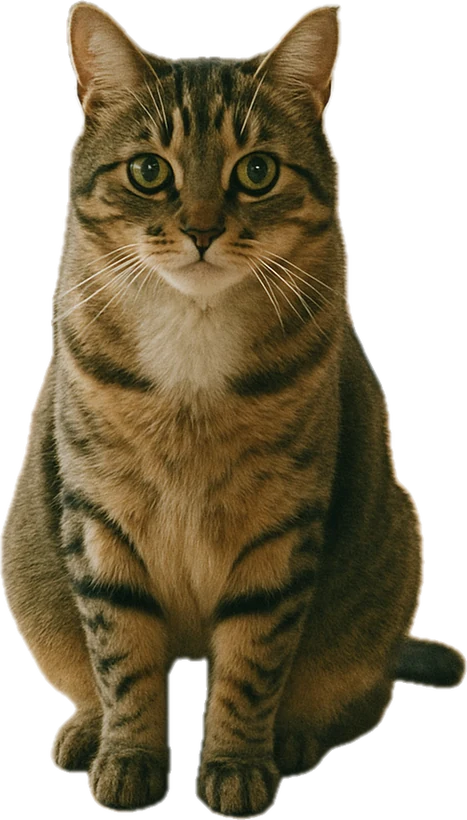
It cuts itself outOn your phone, in a second.
Peel to keepPeeling is how it saves.
Die-cut, circle, rounded, square, heart, stamp, badge or star. Soften the edge, colour the border, or go edgeless.
A refine brush restores or erases whatever the cut-out got wrong.
Put a line of text on a sticker, in a face and a colour of your choice.
Photograph a table of things and keep each one, or turn a whole batch of photos into stickers.
The Map tab puts your stickers, and the ones your friends sent, where their photos were taken.
Stars, hearts, tape and other extras come with the app.
Your stickers go where your conversations already are, and onto your home screen.
On iPhone, every sticker you keep in Peel is in the Messages sticker drawer, by itself.
Add a collection to WhatsApp as a sticker pack, in one tap.
In Japan, ask us to publish a collection in the LINE STORE. A person checks every set first. The rules
A widget with the pile waiting for you and how many are new, on iPhone and Android.
Three looks, and you can change your mind in Settings. Try them on this page.
Peel speaks eleven languages, and so does this page.
Peel is free: every tool, no subscription, no watermark, no ads. You can make stickers without an account. Sending them, spaces, comments and your wall need one, so your friends know it is you: sign in with Apple, Google, LINE or a code sent to your email. iPad and Android tablets get a layout of their own.
The cut-outs happen on your phone and your photos are never uploaded to us. A sticker you send to a friend or a space is, so that it can reach them, and a sticker you put on your wall can be seen by anyone signed in to Peel. iCloud sync (iPhone and iPad), if you turn it on, keeps a copy in your own iCloud, which we never see. Switching phones? Sign both in to the same iCloud and turn sync on, or save the stickers you want to keep to your photos first. The privacy policy has the details.
Sign in, then add a friend with their code, a QR code or an invitation link, and make a space for any group. A sticker you send lands on top of their pile on the Social tab; they peel it to see it, react with an emoji, comment under it, and you can see who has seen it. Your wall is the stickers you choose to publish, with your badges above them, and a friend's wall opens from your chat with them.
Collages, photobooks and prints live in Peel Studio, a second app from Tsumida AI. It makes stickers the same way, your stickers are there too, and you can sign in through Peel in one tap. Peel itself used to be called Collagearonis: same app, new name, and everything you made is still there.